


How To Create A Facebook Prepaid Ad Account In 5 Minutes (2026)


In 2026, Meta’s billing landscape is stricter than ever. If you’re tired of “Account Disabled” notifications due to failed credit card charges, a Facebook prepaid ad account can be your game-changer for your stability. So what is a prepaid ad account, and what can this account do to minimize these risks? This article will reveal all!
What Is A Facebook Prepaid Ad Account?
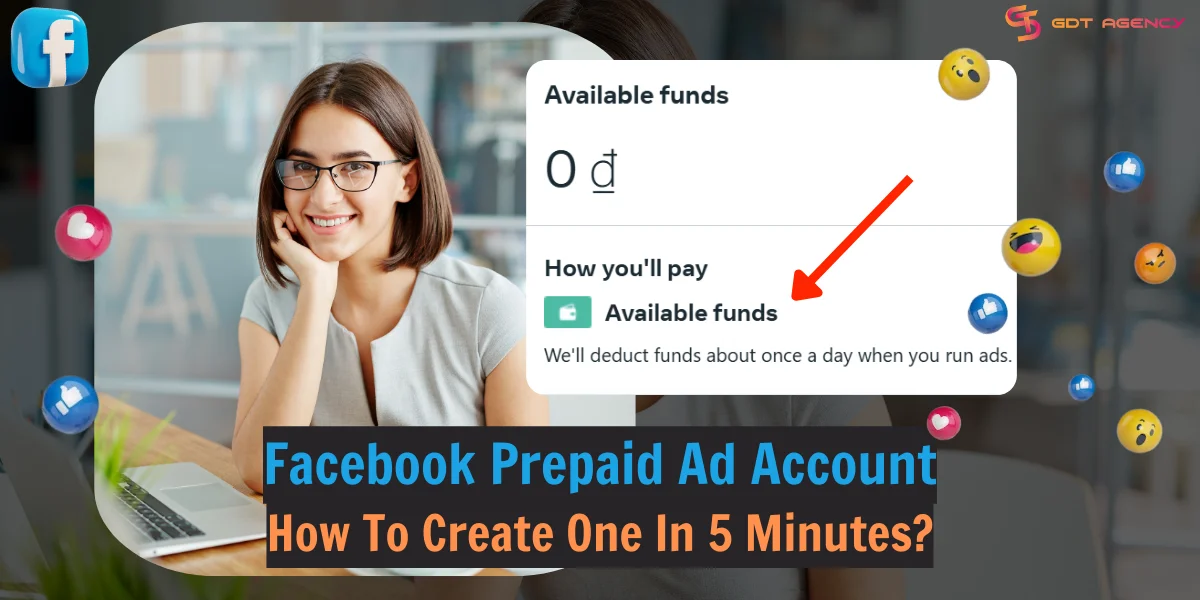
A Facebook prepaid account is a manual payment account where you deposit funds into Meta’s Available Funds balance before your ads go live. Unlike older systems that billed once a day, Meta now deducts from your balance in near real-time as your ads deliver.
If your balance hits $0, your ads stop immediately, and you must reload more funds to keep ads running.
Pros And Cons of Using Facebook Prepaid Ad Account
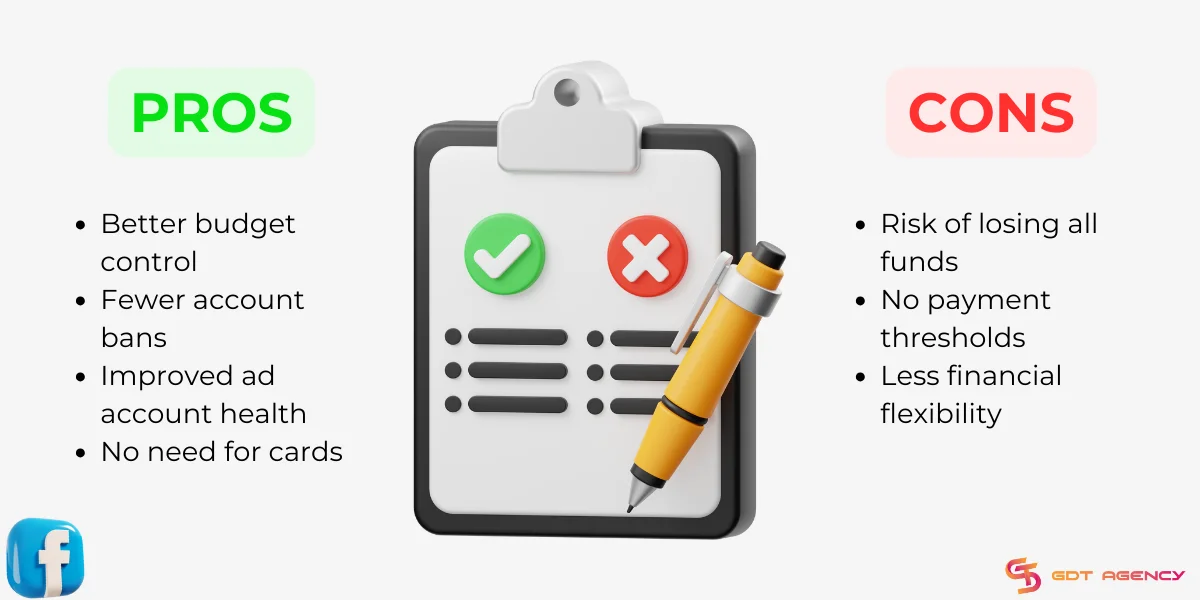
Like most things, using prepaid advertising accounts has its benefits and drawbacks.
Pros of prepaid accounts
1. Better budget control:
Preloading funds allows advertisers to control their budgets better, avoid unexpected charges, and dodge overspending. There is no risk of a campaign “running away” and spending thousands of dollars overnight. Because it can only spend what you have pre-loaded.
2. Easier Approvals for New Businesses:
In some regions, Meta is more likely to approve new accounts if they see “cash on the table” via a manual deposit.
3. Zero Payment Failures:
You eliminate the #1 cause of account bans: the “Temporary Hold” failure on credit cards.
Cons of prepaid accounts
1. Risk of losing all funds:
Prepaid funds on Facebook are usually not accepted for a refund. If Meta’s 2026 AI flags a prepaid account for “Suspicious Activity,” or your ad account is disabled for a policy violation (like a bad ad creative), your remaining balance is effectively locked.
GDT used to have a client as a mid-sized e-commerce brand, transitioned to a personal prepaid account in Dec 2025 to avoid recurring “Payment Failed” errors.
They deposited $2,500 to cover their Chrismas campaign but was flagged for “Unusual Activity” after 3 days into the campaign because they logged in from a different IP address while traveling.
Their account was restricted, and their $2,000 remaining balance was effectively frozen.
Note: Prepaid funds are considered spent upon deposit. Refunds are only possible through a manual appeal to Meta Support after deactivating the account, and even then, they are not guaranteed.
2. No payment thresholds:
Unlike postpaid accounts, you cannot build a Payment Threshold. You must always have liquid cash available. This is a significant disadvantage as you have no credit line to run ads.
3. AI Fraud Checks:
Large, sudden deposits into a brand-new account can trigger an “Unusual Activity” flag. It is better to start with small deposits and scale up.
What Is The Difference Between Postpaid And Prepaid Ad Accounts?
The main difference between prepaid and postpaid ad accounts is when you pay for your ads on Facebook. This in return affects the way Facebook treats your ad account.
Generally, prepaid accounts are more reliable, while postpaid accounts are more flexible in ad spending.
Let’s compare the two accounts head-to-head to see which one is right for your business.
| Criteria | Prepaid ad account | Postpaid ad account |
| Payment Timing | Pay before ads run. | Pay after ads run (reached threshold). |
| Payment method | Deposit funds into the account before running ads (Local Wallets, Bank Transfers, Vouchers) | Link the account with a debit/credit card or bank account (Credit/Debit Cards, PayPal) |
| Budget Limit | Limited | Unlimited |
| Budget Control | Absolute (Spend only what is loaded) |
Potential for overspend if limits aren’t set. |
| Automatic payment | No | Yes |
| Trust Factor | Viewed as High Risk by AI if the account is new. | Builds trust over time via successful billing. |
| Refunds | Near-impossible/Manual appeal only. | Automatic (only charged for what was used). |
Facebook Prepaid Ad Account vs Postpaid Ad Account: How To Choose The Properly
Choosing between a prepaid and postpaid ad account depends on various factors, including your budget, goals, and level of Facebook ad experience.
Choose Facebook Prepaid Ad Acount If:
- If you want to generate leads or boost sales, choose prepaid ad accounts. They help manage ad spending better and avoid going over budget.
- If you are a small-budget startup that wants to control spending closely.
- If you are businesses that want to test ad campaigns.
- If your business is in high-risk niches or has strict daily budgets.
Choose Facebook Postpaid Ad Acount If:
- If you want to enhance brand awareness or reach more audiences, select postpaid ad accounts. This account allows you to spend more than your initial budget, reach more people, and grow your brand’s presence more efficiently.
- If your businesses have large advertising needs.
- If your businesses want to use the monthly invoicing feature.
- If your business are established brand scaling with credit lines.
5 Steps To Create and Set Up a Facebook Prepaid Ad Account In 2026
Now that you know what a prepaid ad account is and its advantages, it’s crucial to learn how to create an account for your business.
Step 1: Set up a Facebook ad account
Open Meta Business Suite, go to Settings, then Ad Accounts. Click Add and select Create a New Ad Account.
Step 2: Select Your Region and Currency
This is the most important step because Meta only offers “Manual Payment” (Prepaid) options in specific regions.

Prepay is widely available, especially in developing markets and select regions across Asia, Africa, Latin America, and parts of Europe. Below is a breakdown by region and supported local currencies:
- Asia-Pacific: Bangladesh (BDT), Indonesia (IDR), Malaysia (MYR), Nepal, Pakistan (PKR), Philippines (PHP), Thailand (THB), Vietnam (VND).
- Africa & Middle East: Egypt (EGP), Kenya (KES), Morocco, Nigeria (NGN), South Africa (ZAR), Saudi Arabia (SAR), United Arab Emirates (AED).
- Latin America: Argentina (ARS), Bolivia (BOB), Brazil (BRL), Chile (CLP), Colombia (COP), Costa Rica (CRC), Guatemala (GTQ), Honduras (HNL), Mexico (MXN), Peru (PEN), Uruguay (UYU).
- Europe: Russia (RUB), Ukraine (UAH), Turkey (TRY).
Ensure your currency and timezone are correct, as you cannot change these later.
Step 3: Choose a prepayment method
In Ads Manager, select Billings & Payments, then choose Payment Settings. Select Add Payment Method at the top right of the Payment Methods section.
When prompted to “Add Payment Information,” do not enter a credit card first. Look for local manual options such as:
- Digital Wallets: (e.g., Momo, VNPay, Pix).
- Net Banking: Local bank transfer options.
- Ad Credits: Vouchers or promotional credits.
By choosing a manual method first, Meta will lock the account into “Prepaid Mode.”
Step 4: Add prepaid payment info
Now, enter the required information including your country, currency, timezone, and payment method details. Make sure they match Meta’s accepted payment methods.
Then click Save to finish your Facebook prepaid ad account settings.
Step 5: Preload your funds
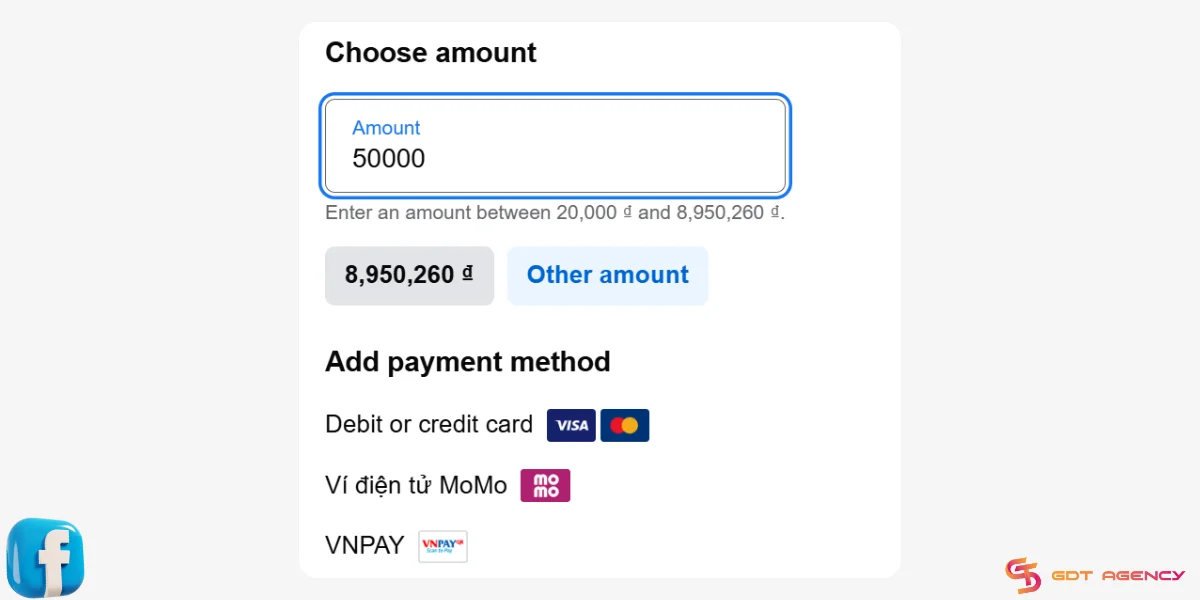
After you finish step 4, you’ll see the Available Funds section appear on the top of the Payment Settings page.
Select Add Funds and follow the on-screen instructions to top up your account.
Steps may vary depending on your selected payment method.
Crucial Note:
If you are currently on a postpaid account and want to move to prepaid, you cannot simply click a button. You must create a new ad account within your Meta Business Suite.
When setting up the new account’s payment info, you must select a manual method (like VNPay or a local wallet) as the first action. This locks the account into Prepaid mode.
Related Article: How To Add A Payment Method To A Facebook Ad Account: 4 Easy Steps
How To Remove Prepaid Funds On Facebook?
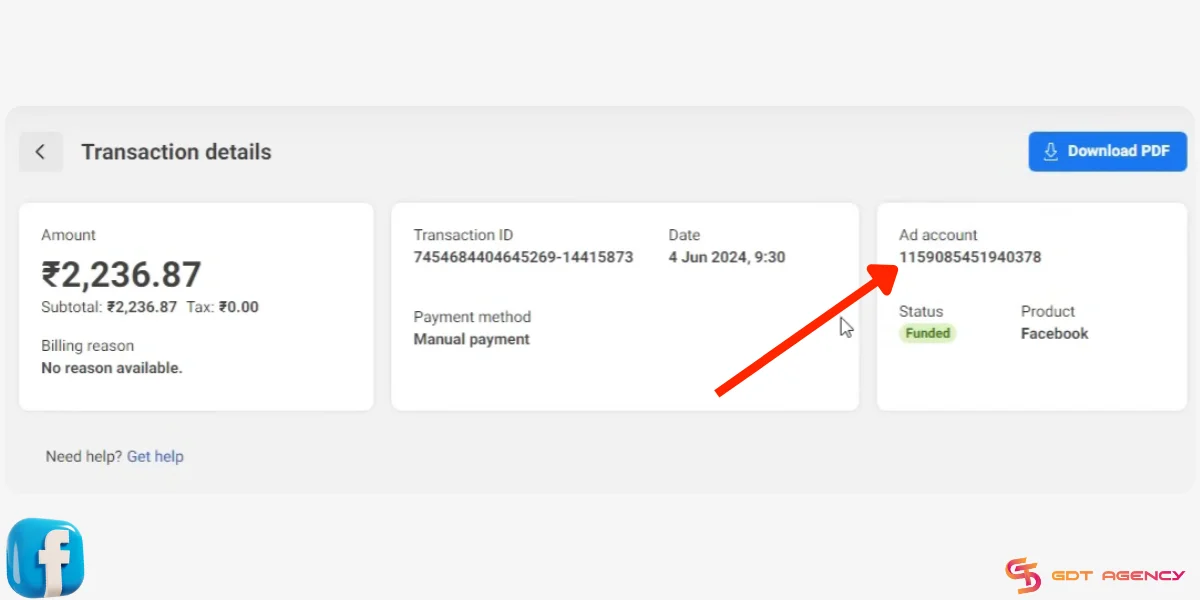
Facebook prepaid funds are mostly non-refundable except in some particular circumstances.
To request a refund for leftover funds, you can do as follows:
- Go to Payment Settings.
- Select the 3-dot icon (…) at the top right of the Available Funds section.
- Select Request Refund.
- Your ad account will be deactivated after the request. Don’t reactivate it if you want to get a refund.
- Wait for a notification in Facebook Ads Manager or from your Meta account representative.
- After at least 1 month, Facebook may issue the refund to your payment method or in the form of ad credits.
Note: If you don’t see the Request Refund option or don’t hear anything from Facebook, you won’t receive the refund.
In A Nutshell
This article has covered the definition, pros and cons, and how to create Facebook prepaid ad accounts. If you are using the postpaid payment method, you can still convert to a prepaid one by following my outlined instructions.
Remember that preloaded funds are usually non-refundable, so consider carefully before making this significant swift. You can also start over with a new ad account or rent agency ad accounts from GDT Agency for quick top-ups and refunds.
If you have any questions, please feel free to let us know via the contact info below.

Follow if you find it useful


You can contact us, with our experience in successfully deploying thousands of conversion advertising campaigns, GDT Agency confidently believes we can help you optimize effectiveness and maximize cost savings with advertising operations.


