


What Is a Google Ads Manager Account? Everything You Need to Know in 2026


A Google Ads Manager Account, formerly known as an MCC account, is a centralized platform that allows users to manage multiple Google Ads accounts from a single dashboard. It helps agencies, businesses, and marketers organize campaigns, monitor performance, control user permissions, and access reporting tools more efficiently without switching between separate accounts. Instead of replacing individual Google Ads accounts, it connects them under one master account for easier management and scalability.
Key Takeaways:
- A Google Ads Manager Account lets users manage multiple Google Ads accounts from one centralized dashboard.
- Key benefits include single sign-in access, centralized reporting, consolidated billing, and bulk campaign management tools.
- Google Ads Manager Accounts are best for agencies, freelancers, and businesses managing multiple clients, brands, or advertising accounts.
- Unlike a standard Google Ads account, a Manager Account acts as a parent account that controls multiple linked accounts.
- Internal testing from GDT Agency showed that using a Manager Account reduced manual reporting workload by over 60% and cut account navigation time by around 70%.
- A Google Ads Manager Account improves operational efficiency, scalability, and campaign management for growing advertising teams.
What Is A Google Ads Manager Account?
A Google Ads Manager Account, formerly named My Client Center or MCC, serves as a central hub for multiple accounts. It is a powerful tool that can help advertisers who manage several individual Google Ad accounts.
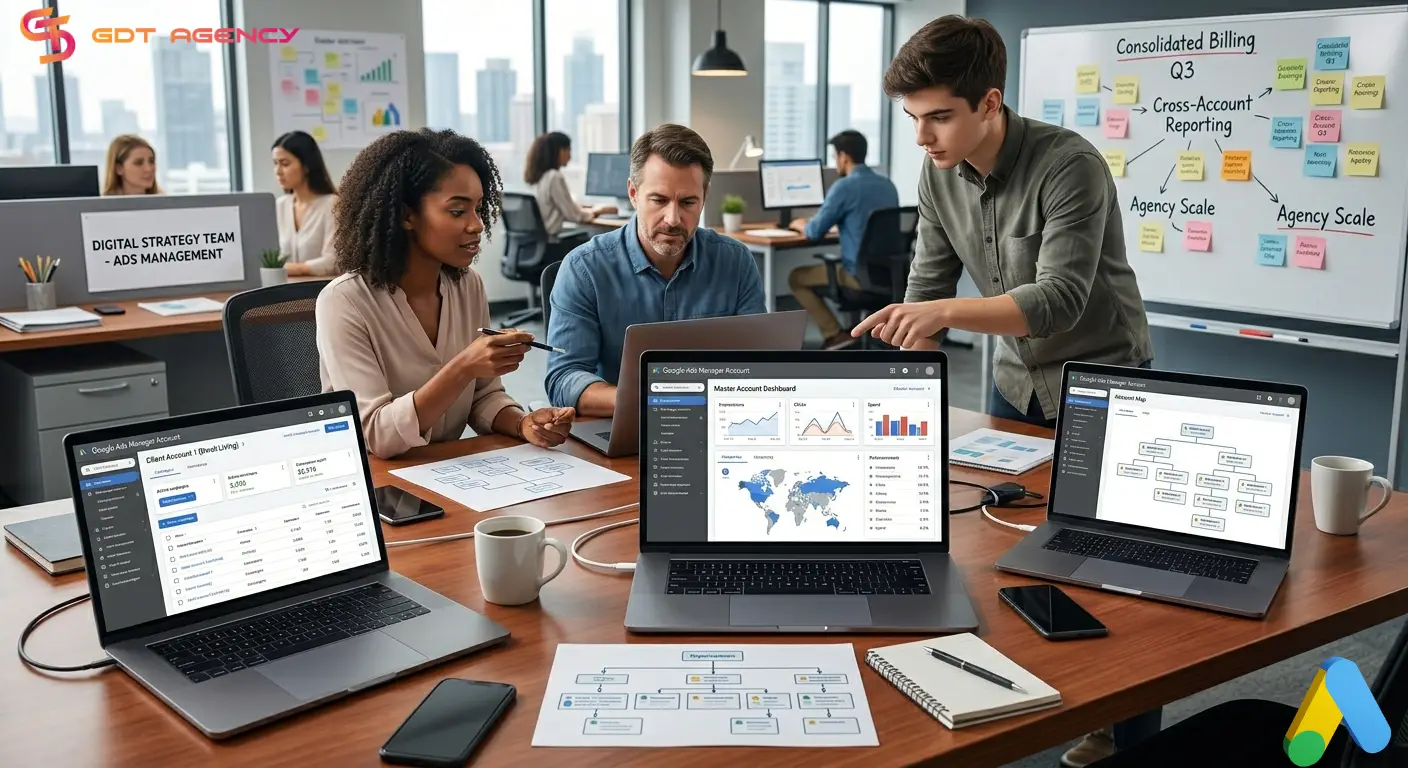
Instead of logging in and out of separate ad accounts, advertisers can now access and control all connected accounts with a single dashboard.
What Are The Benefits of A Google Ads Manager Account?
As an account manager at GDT Agency with years of experience in managing ad accounts, especially Google Ads agency accounts, I completely understand the advantages of using a Google Ads Manager Account.
These accounts provide several strategic advantages for managing complex advertising portfolios. This tool streamlines your workflow by consolidating various administrative and performance tasks into one interface.
1. Single Sign-In Access
One of the most valuable features of a Google Ads Manager Account is single sign-in access, which can help users manage all linked Google Ads accounts, including additional manager accounts, by using one email address and one login.

This feature removes the need to switch between multiple usernames and passwords every time you need to access a different client or business account. Agencies that manage dozens of advertising accounts can move between accounts instantly from the same dashboard, which improves workflow efficiency and reduces login-related confusion.
Single sign-in access also makes account management more secure because administrators can control permissions from one centralized location instead of maintaining separate user setups across multiple accounts.
2. Centralized Reporting and Performance Tracking
These accounts provide centralized reporting tools that allow users to monitor and analyze performance across multiple accounts from one screen. This feature is extremely useful for businesses managing campaigns across multiple brands, locations, or markets because it gives decision-makers a broader view of advertising performance.
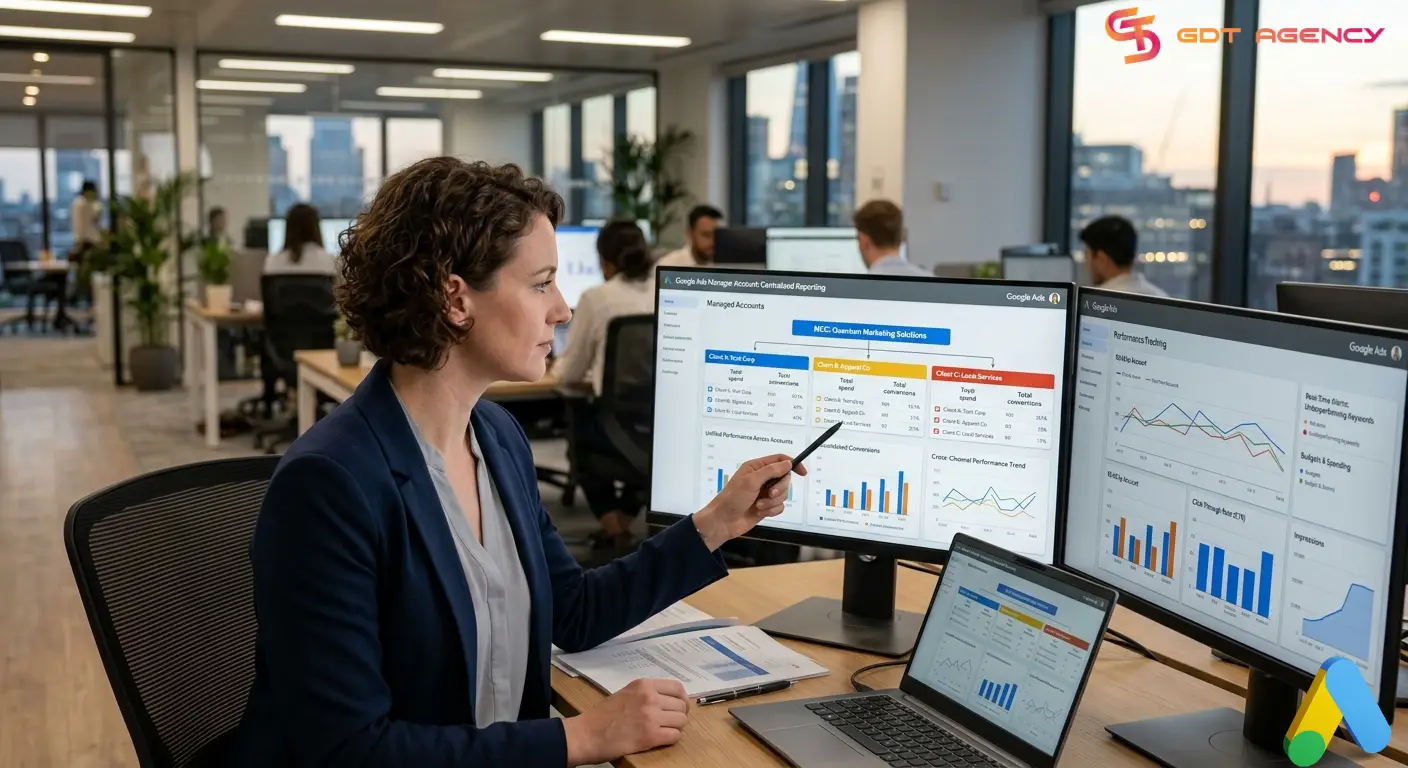
Instead of opening individual accounts one by one, advertisers can view key metrics such as impressions, clicks, conversions, cost-per-click, and return on ad spend in a unified dashboard. This setup makes it easier to identify trends, compare campaign performance, and spot issues quickly.
3. Consolidated Billing Management
Consolidated billing is a feature that allows businesses and agencies to combine billing and invoicing for multiple Google Ads accounts into one centralized payment setup.
Instead of handling separate invoices and payment methods for every account, users can streamline the billing process through a single invoicing system. This approach simplifies accounting operations and reduces administrative workload.
4. Easy Account Creation and Access
Google Ads Manager Accounts make it easy to create new Google Ads accounts or link existing ones directly from the Manager Account dashboard.
Users can quickly send account access invitations, organize client accounts under the same structure, and manage permissions without complicated setup processes. This feature helps agencies onboard new clients faster and keeps account management organized as the business grows.
The dashboard also allows users to group accounts logically by client, region, campaign type, or business division, making navigation more efficient for teams handling large numbers of accounts.
5. Bulk Editing and Account Optimization Tools
Google Ads Manager Accounts include tools that help advertisers manage and optimize campaigns across multiple accounts more efficiently.
- Users can save a significant amount of time when able to apply bulk edits, update campaign settings, adjust budgets, pause ads, or modify keywords across several accounts at the same time.
- Bulk management tools also help maintain consistency across campaigns. Advertisers can respond to performance changes more quickly and scale campaign optimizations without increasing manual workload.
- For large-scale advertisers, these optimization tools improve operational efficiency while helping teams maintain better control over campaign performance across the entire account portfolio.
What Are The Differences Between A Google Ads Account and Google Ads Manager Account?
Although both account types belong to the Google Ads ecosystem, they serve different purposes. A standard Google Ads Account is designed to run and manage advertising campaigns directly, while a Google Ads Manager Account is built to oversee multiple Google Ads accounts from one centralized dashboard.
| Feature | Google Ads Account | Google Ads Manager Account |
| Primary Purpose | Run and manage advertising campaigns | Manage multiple Google Ads accounts from one dashboard |
| Best For | Individual businesses or single brands | Agencies, marketers, and businesses with multiple accounts |
| Campaign Management | Directly creates and runs campaigns | Oversees and manages linked accounts |
| Number of Accounts | One advertising account | Multiple linked Google Ads accounts |
| Login Access | Separate login for each account | Single sign-in access for all linked accounts |
| Reporting | Reports for one account only | Centralized reporting across multiple accounts |
| Billing Management | Individual billing setup | Consolidated billing for multiple accounts |
| User Permissions | Managed within one account | Centralized access and permission management |
| Account Creation | Creates campaigns only | Can create and link new Google Ads accounts |
| Bulk Actions | Limited to one account | Bulk edits and optimizations across multiple accounts |
| Scalability | Suitable for smaller operations | Built for growing businesses and agencies |
| Client Management | Not designed for multiple clients | Ideal for handling multiple client accounts |
Businesses that only run ads for a single company usually use a regular Google Ads account. In contrast, agencies, freelancers, and larger organizations often use a Google Ads Manager Account to manage several client or business accounts more efficiently.
The Effectiveness of Google Ads Manager Account in Real Conditions
To check the effectiveness of the Google Ads manager account in real conditions, GDT Agency has conducted an internal test by using the Google Ads manager account to manage Google Ads campaigns for 20 clients across industries like eCommerce, SaaS, healthcare, and local services, with a combined monthly ad spend of more than $250,000.
Without a Google Ads Manager Account, the agency team would need to log in and out of 20 separate accounts every day to monitor budgets, check campaign performance, adjust bids, review conversions, and generate reports.
Even if each account only required 10 to 15 minutes of daily management setup and navigation time, the team could easily lose 4 to 5 hours per day on repetitive administrative work alone. By using a Google Ads Manager Account, our team centralizes all operations into one dashboard and:
- Access all 20 client accounts using a single login.
- Monitor more than 150 active campaigns from one interface.
- Generate cross-account performance reports in minutes instead of hours.
- Apply bulk campaign edits across dozens of campaigns simultaneously.
- Reduce manual reporting workload by more than 60%.
- Cut account switching and navigation time by approximately 70%.
- Give secure access to media buyers, analysts, and clients without sharing passwords.
This significantly improves efficiency across the team. Not only that, the reporting advantage becomes even more noticeable at scale. With a Manager Account, we can generate centralized reports across all accounts from one dashboard, reducing reporting time from 6-8 hours down to less than 2 hours.
Who Should Use A Google Ads Manager Account?
Not everyone needs a Google Ads manager account. For businesses managing only one small Google Ads account, a regular Google Ads account is usually enough.
However, once account management becomes more complex, a Manager Account can save significant time and improve operational efficiency, especially if you are:
- Marketing Agencies: Digital marketing agencies are the most common users of Google Ads Manager Accounts because they often handle advertising campaigns for multiple clients at the same time.
- Freelancers and Media Buyers: Freelancers and PPC specialists who manage campaigns for several clients can simply link client accounts securely through the Manager Account system. This approach improves workflow organization and reduces account management confusion.
- Businesses With Multiple Brands or Locations: Companies that operate multiple brands, branches, or regional offices often use Manager Accounts to keep advertising operations centralized.
- Large Enterprises: Large businesses with multiple departments or advertising teams can use Manager Accounts to improve collaboration and account oversight. Different teams can receive separate permission levels while company leadership maintains centralized visibility into campaign performance, budgets, and reporting.
- Advertisers Scaling Operations: Any advertiser planning to scale advertising operations over time should consider using a Manager Account early. The centralized structure becomes increasingly valuable as the number of campaigns, accounts, clients, or team members grows.
A Google Ads Manager Account is best suited for businesses or professionals who manage multiple Google Ads accounts and need a more efficient way to organize campaigns, reporting, billing, and user access.
How To Get Start with Google Ads Manager Account?
To get started with Google Ads Manager account, the first thing you have to do is go to the Google Ads Manager Accounts page, create a manager account and sign in with your email to set up a central dashboard for managing multiple accounts.
Step 1: Create Google Ads Manager Account
Visit the following link to access the Google Ads Manager homepage: https://ads.google.com/home/tools/manager-accounts/
The screen below appears, click “Go to Manager Accounts“

You need to log in to a Google account. If you are not sure how to create a Google account, please refer to the content of this article.

After selecting a Google account, all you need to do is enter all the information in the fields on the next screen, including the account name, region, time zone, and currency.

By this step, you have created a Google Ads Manager Account (MCC). You click “Explore your account” to complete.

Step 2: Link Existing Google Ads Accounts
Once your Manager Account is active, you can connect existing Google Ads accounts. This feature is especially useful for agencies onboarding new clients because it allows access without needing login credentials from the client. To do this:
1: Visit the Google Ads homepage. The screen below will appear

2: Click in turn on the items “Settings” -> “Sub-account settings” -> Blue “+” icon as shown above.
3: Click on “Link an existing account”.

4: The screen below appears. Enter the Google Ads ID of the child account and select “Send request“.

5: Go to the Gmail of the sub-account and confirm the invitation. So it’s done.
Step 3: Create New Google Ads Accounts
You can also create brand-new Google Ads accounts directly inside the Manager Account. This option works well for:
- Click the Plus (+) button again.
- Select Create new account.
- Enter the account name and type.
Creating accounts under the Manager Account keeps everything organized from the start and simplifies long-term management.
Step 4: Set Up Your Team
As the number of accounts grows, the organization becomes important. You should manage your staff permissions from the “Tools and settings” menu.
- Go to Setup and then Access and security.
- Invite team members using their email addresses.
- Assign roles like Admin, Standard, or Read-only based on their job duties.
This allows your team to work on client accounts without sharing passwords. This setup helps agencies collaborate with media buyers, analysts, clients, and finance teams securely without sharing passwords.
Step 5: Configure Consolidated Billing
You can simplify your accounting if your accounts meet Google’s eligibility requirements.
- Navigate to the Billing section.
- Select Billing setups.
- Add a payment profile that will cover all linked accounts.
This step replaces the need for individual credit cards in every sub-account.
Step 6: Monitor Performance and Optimize Campaigns
After linking accounts, you can start monitoring campaign performance directly from the Manager dashboard. For growing agencies and businesses, these centralized management tools improve efficiency and make scaling advertising operations much easier.
>>> Related article: How To Get Google Ads Clients? Easy Guide For Newbie 2023
FAQs
1. What is a Google Ads Manager Account?
A Google Ads Manager Account is a centralized dashboard that allows users to manage multiple Google Ads accounts from one login. It is commonly used by agencies, media buyers, and businesses handling several advertising accounts.
2. Is a Google Ads Manager Account free?
Yes. Creating and using a Google Ads Manager Account is completely free. Advertisers only pay for the ad spend inside their connected Google Ads accounts.
3. What is the difference between a Google Ads Account and a Google Ads Manager Account?
A standard Google Ads account is used to create and run advertising campaigns directly, while a Google Ads Manager Account helps users manage multiple Google Ads accounts from one centralized platform.
4. Who should use a Google Ads Manager Account?
Google Ads Manager Accounts are best for agencies, freelancers, businesses with multiple brands, and advertisers managing several Google Ads accounts at the same time.
5. Can clients still access their own accounts after linking them?
Yes. Clients still keep full ownership and access to their Google Ads accounts even after linking them to a Manager Account.
6. Can I create new Google Ads accounts inside a Manager Account?
Yes. Users can create and organize new Google Ads accounts directly from the Manager Account dashboard.
7. Does a Google Ads Manager Account improve ad performance?
The Manager Account itself does not directly improve campaign results, but it helps advertisers manage campaigns more efficiently through centralized reporting, bulk editing, and better account organization.
Final Thought
A Google Ads Manager Account is more than just a tool for accessing multiple accounts from one dashboard. It gives agencies, businesses, and advertisers a more organized and scalable way to manage campaigns, reporting, billing, and team collaboration efficiently.
If you have any questions, need expert guidance to elevate your campaigns, or want to cooperate with a trustworthy provider to rent Google agency accounts, don’t hesitate to reach out to GDT. Our team of experienced professionals is ready to provide tailored solutions and support to help you achieve your advertising goals

Follow if you find it useful


You can contact us, with our experience in successfully deploying thousands of conversion advertising campaigns, GDT Agency confidently believes we can help you optimize effectiveness and maximize cost savings with advertising operations.

How To Start A Google Ads Agency Account? A Complete Step-by-Step Guide
To start a Google Ads agency account, you need to create a Google Ads Manager
14/05/2026

How to Complete Google Ads Account Verification in 2026?
Google Ads account verification is the process of confirming your identity or business information to
14/05/2026

Google Ads Campaign Types: Complete Beginner Guide in 2026
Google Ads gives advertisers multiple campaign types because different business goals require different delivery systems.
12/05/2026


