
How To Manage Multiple Facebook Ad Accounts with Incogniton
In 2026, managing multiple Facebook and Instagram ad accounts is a tightrope walk. One wrong move (like a mismatched IP address or a suspicious browser…
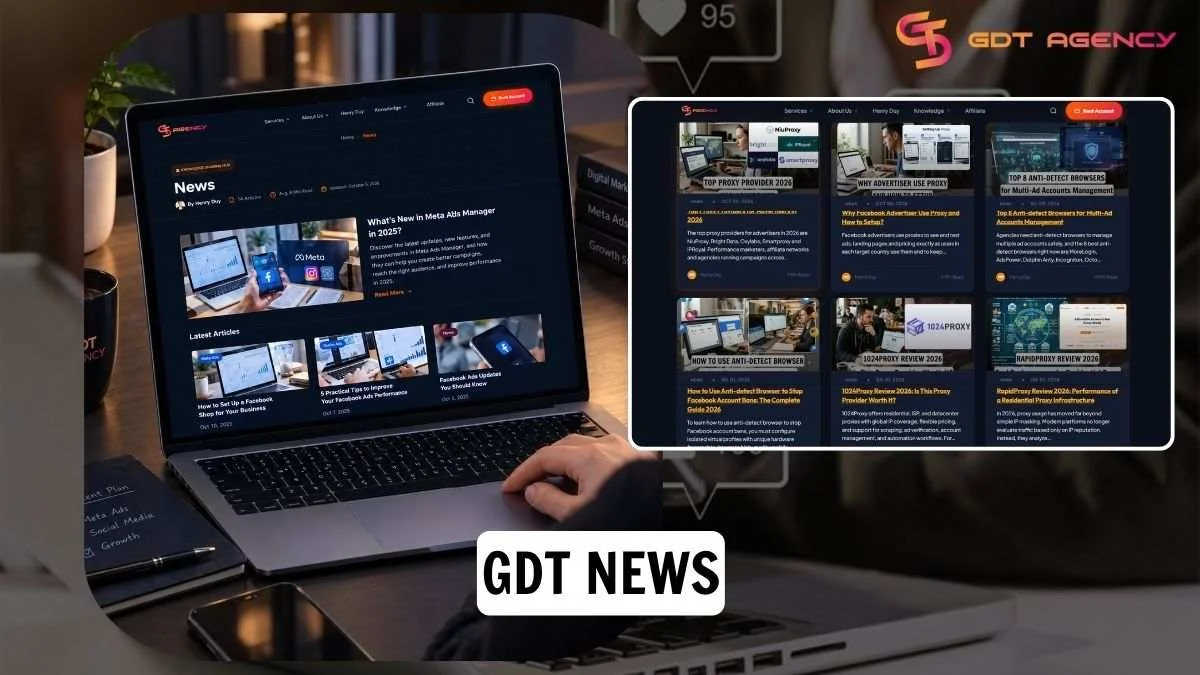
GDT News covers the tools around an agency ad account: anti-detect browsers, proxy providers and the technology partners we work with. Here you will find hands-on reviews, setup guides and partner updates for media buyers and agencies running several accounts across Facebook, Google and TikTok.
Anti-detect browsers let a team run many accounts from one device by giving each account its own isolated browser profile. This topic helps you choose a browser for managing agency ad accounts. We compare tools on the points that matter for ad teams: price per profile and profile limits, team sharing and permissions, automation and API support, cloud phone options, and support quality. Coverage includes our browser partners such as MoreLogin, MostLogin, Dolphin, Incognito and Bit Browser. The goal is to help you pick a browser that fits your team size and budget.
A proxy gives each browser profile its own IP address and location, so the network side of your setup stays as consistent as the browser side. This topic helps you match a proxy to your ad account workflow. Our reviews look at IP pool size and country coverage, billing model (per GB or per port), supported protocols such as HTTP and SOCKS5 and whether a free trial is available. The goal is to help you choose the right proxy type and provider for the accounts you manage.
Secure workflows combine the 3 layers of the setup: the browser profile, the proxy and the agency ad account. The topic shows how they work together in practice. The "x GDT" guides show how a specific partner tool fits around a GDT agency ad account and our complete guide explains how to configure isolated profiles with unique hardware fingerprints and pair them with mobile proxies. Start with How to Use Anti-detect Browser to Stop Facebook Account Bans: The Complete Guide 2026.
The GDT partner network keeps changing as tools add features and new partners join. This topic tracks those changes: new partners, tool updates and changes to partner offers are published here as they happen, alongside pieces on how the wider GDT ecosystem works, such as How CIPIAI Network Turns GDT Traffic Into Real Revenue. The goal is to keep you up to date on the tools behind your setup, so you know what is available before you choose or renew.
Platforms look at more than the account itself. They also review the browser environment, IP address and location, and how an account is accessed. A strong agency ad account with a mismatched setup, such as a shared browser, one IP for multiple accounts, or an IP in a different country from the account, can still trigger verification checks or restrictions. GDT News helps you cover those layers with information you can act on:

In 2026, managing multiple Facebook and Instagram ad accounts is a tightrope walk. One wrong move (like a mismatched IP address or a suspicious browser…

In the world of online advertising, scaling campaigns to thousands of dollars in daily spend often feels like navigating a minefield. In 2026, running high-spend…

As a professional expert who has spent a lot of time on advertising, I understand that running ads today is no longer just about creatives,…

CIPIAI isn’t just a pile of stable payouts and dashboards, but it’s a whole ecosystem, including necessary tools, a real community, and a level of…

Advertising on platforms such as Meta, Google Ads, and TikTok is increasingly becoming harder due to the strict policies. Agency ad accounts have become the…