
Facebook Agency Ad Account Client Onboarding Guide For Beginners 2026


You onboard a new client onto a Facebook agency ad account through 4 steps: submit assets, pass compliance and setup review, link the Business Manager, make the first top-up, then launch and scale. This 4-step structure is the standard most agencies follow, and most of it takes under half an hour of the client’s own time, with the compliance review as the one step that runs on Meta’s clock rather than the agency’s. Before any of these steps move forward, the client has to hand over specific assets: company details, Facebook Pages, domains, and the advertising budget they plan to run. Below, this guide on Facebook agency ad account client onboarding will walk through the standard four-step onboarding process, then expand into how onboarding changes once an agency is managing this across its full client portfolio.
- How Does Facebook Agency Ad Account Client Onboarding Work?
- Step 1: Submit Assets
- Step 2: Compliance & Setup
- Step 3: Link BM & Top-Up
- Step 4: Launch & Scale
- How Long Does the Client Onboarding Process Take?
- What Are Best Practices for Onboarding Clients Onto an Agency Ad Account?
- Can You Onboard Multiple Clients Onto the Same Agency Ad Account?
- How Does Client Onboarding Change When Managing Ads Across an Agency’s Full Portfolio?
- What Trust Score Risks Come With Adding a New Client to an Agency Account?
- What Common Mistakes Should You Avoid When Onboarding a Client?
- Final Thoughts
- Frequently Asked Questions
- Do I need a Verified Business Manager before I start onboarding?
- Can I submit more Pages than the agency’s limit if they all belong to the same client?
- What happens if my assets fail the compliance review?
- Is the first top-up refundable if I decide not to launch?
- Does support start immediately after launch, or only once I’m spending at scale?
How Does Facebook Agency Ad Account Client Onboarding Work?
You onboard a new client onto a Facebook agency account in 4 steps: submit assets, complete compliance and setup, link the Business Manager and top up, then launch and scale. Agencies structure onboarding around this sequence because each step has a natural checkpoint before the next one can start. GDT Agency uses this exact 4-step sequence for every new client, and each step has its own checklist and timeframe.
If you are not familiar with Facebook agency accounts, you can read the article ”What is a Facebook agency account” to get a clearer understanding of what Facebook agency accounts are and how these accounts work.
To start the onboarding process, the client submits their company details, Facebook Pages, domains, and budget, and the agency’s team takes it from there, reviewing everything before the account goes live. This sequence keeps every account built on clean, compliant assets from day one, which is what keeps the shared agency infrastructure stable for every client on it.
Step 1: Submit Assets
The client submits company details, Facebook Pages, domains, and their advertising budget, and this step usually takes about 5 minutes on the client’s side.
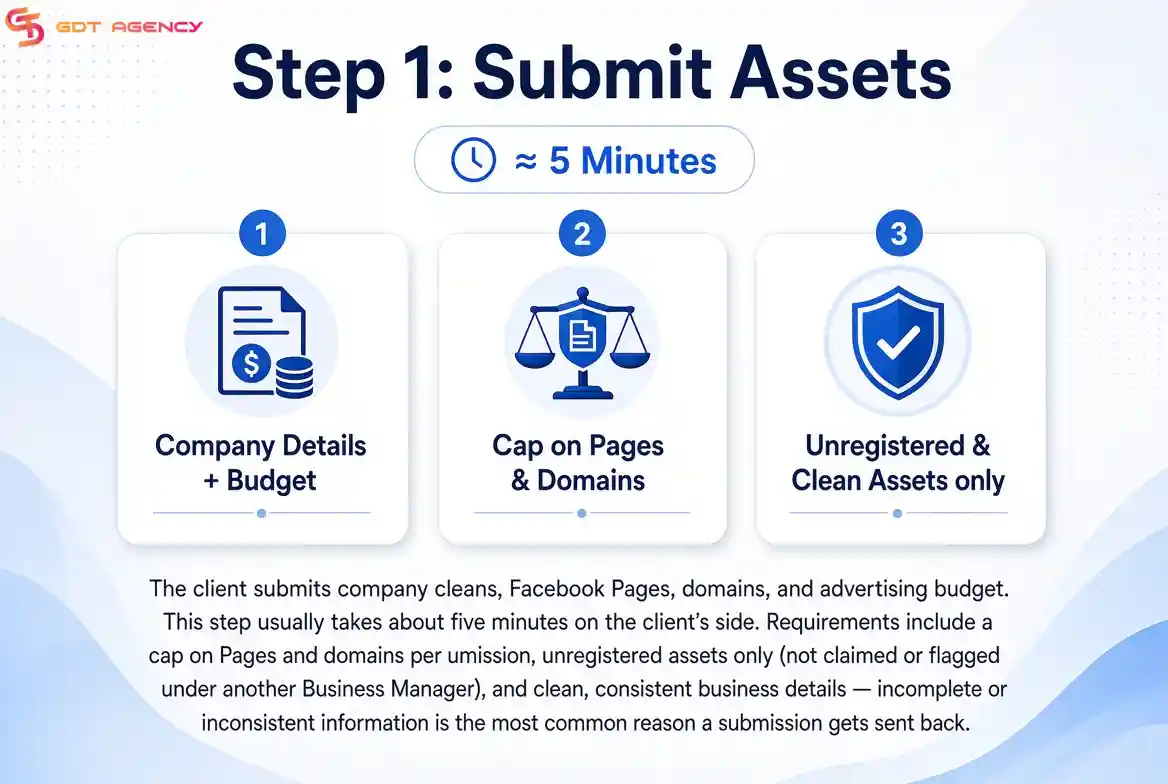
This step comes with requirements most agencies enforce in some form:
- A cap on how many Pages and domains can go into a single submission, keeping each account’s footprint within a range Meta expects from a new client
- Unregistered assets only, meaning Pages and domains that haven’t already been claimed or flagged under another Business Manager
- Clean business details, since inconsistent or incomplete company information at this stage is the most common reason a submission gets sent back
GDT Agency, for example, caps this step at 5 Pages and 5 domains per submission, which keeps each account’s footprint within Meta’s expected range for a new client and rejects any asset that isn’t unregistered and clean.
Step 2: Compliance & Setup
Compliance and setup is where the agency’s verification team reviews the submitted assets and coordinates approval, a step that typically takes 1 to 2 days.
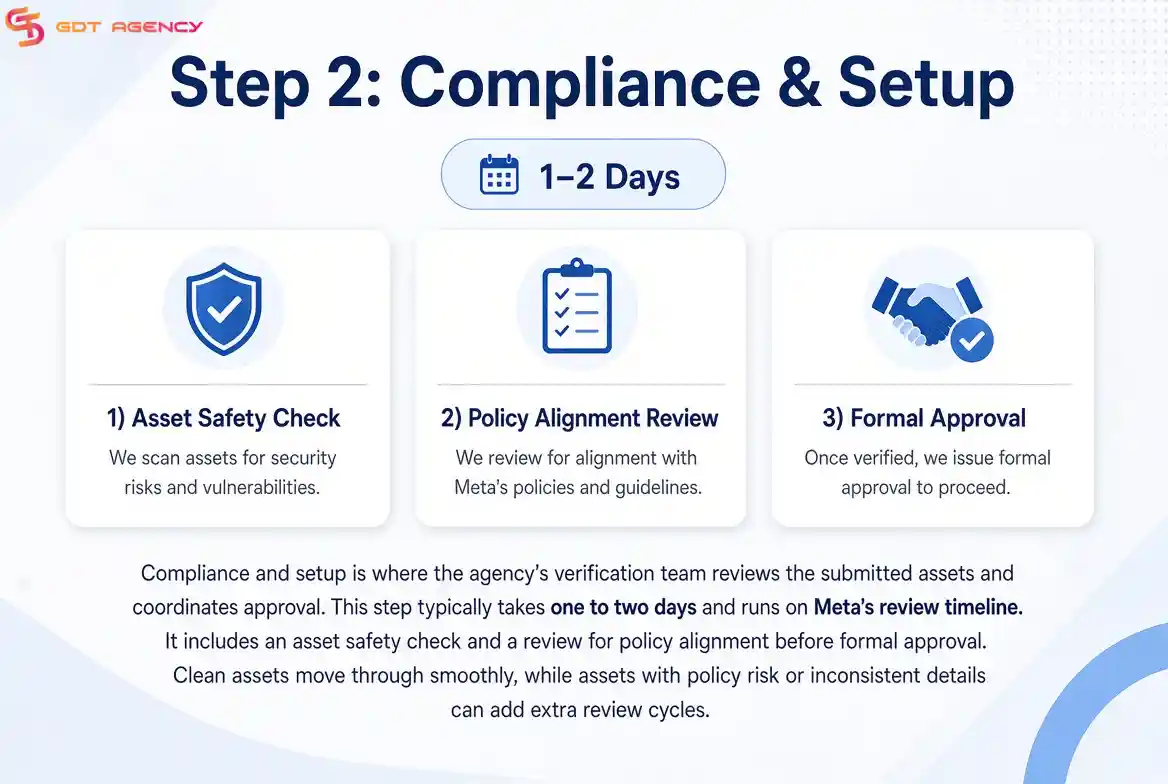
Unlike the first step, this one runs on Meta’s review timeline rather than the agency’s, since it involves an asset safety check and a review for policy alignment before formal approval. A client whose assets pass this review without flags moves through smoothly, while assets with policy risk or inconsistent details can add extra review cycles on top of that window.
At this step, GDT Agency runs an asset safety audit and a Meta policy alignment check, then submits for approval through its partner representative channel.
Step 3: Link BM & Top-Up
Linking the Business Manager and making the first top-up means the client connects a ready Business Manager, signs the rental agreement, and funds the account, a step that usually takes about ten minutes once compliance has cleared.
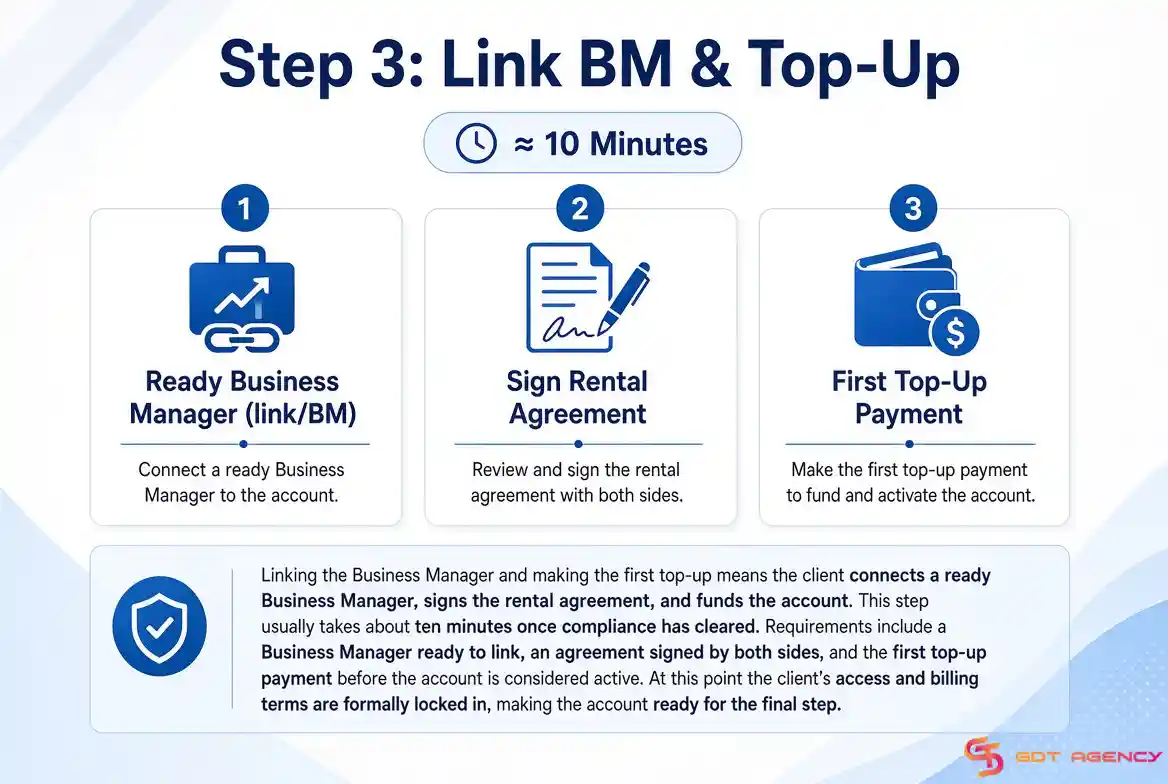
This step covers a few requirements: the client needs a Business Manager ready to link, an agreement has to be signed by both sides, and the first top-up payment has to go through before the account is considered active. At this point, the client’s access and billing terms are formally locked in, which is what makes the account ready for the final step.
GDT Agency asks for a BM350 or an already-verified Business Manager at this stage, has both sides sign a digital SLA, and requires the first top-up before the account activates.
Step 4: Launch & Scale
Launch and scale means the client goes live with an active support relationship in place, and this step is ready as soon as the previous three steps are complete.
From here, the account should carry a defined spend ceiling appropriate to the client’s plan, an accessible support channel, and, ideally, some form of backup in case the primary account runs into an issue. In practice, this is the step that turns a newly onboarded client into one running live campaigns with the same stability as any other account in the agency’s portfolio.
GDT Agency’s version of this step includes unlimited daily spend, 24/7 Telegram support, and emergency backup assets held in reserve, all active from the moment the account goes live.
>>> Once access and business assets are ready, the agency can move on to account configuration. This Facebook agency ad account setup process prepares the account for campaign launch and ongoing management.
How Long Does the Client Onboarding Process Take?
Client onboarding onto a Facebook agency ad account typically takes nearly 2 days from start to finish, and nearly all of that time sits inside the compliance and setup step rather than the other 3 combined.
GDT Agency, however, gets clients onboarded and ready to launch their first campaign within 24 hours, as its experienced team handles compliance and account setup faster than the 2-day average reported by most agencies. GDT’s client cases show how this onboarding process translates into account stability and performance.
GIP Fulfillment, for example, had been banned every 2-3 days on personal accounts with a $50 daily cap. After being onboarded onto more than 15 rented agency accounts through GDT Agency, the client went 4 months without a single ban and eventually scaled total spend to $180,000 at a 3.8x return, up from 1.1x on the previous setup. Arbor, a SaaS client facing long review times on sustainability-related ad copy, went through the same compliance and setup process before its account migration and saw a 2.4x increase in qualified leads along with a 31% drop in CPL within 90 days.
Both cases point to the same pattern: the compliance step that can feel like the slowest part of onboarding is also one of the most important steps for keeping the resulting account stable.
What Are Best Practices for Onboarding Clients Onto an Agency Ad Account?
There are 4 best practices agencies follow when onboarding clients onto an agency ad account: brief the client on the asset requirements before they submit anything, keep submissions within the agency’s Page and domain limit, prepare the Business Manager and rental agreement in parallel with the compliance review, and confirm support access before the client’s first campaign goes live.
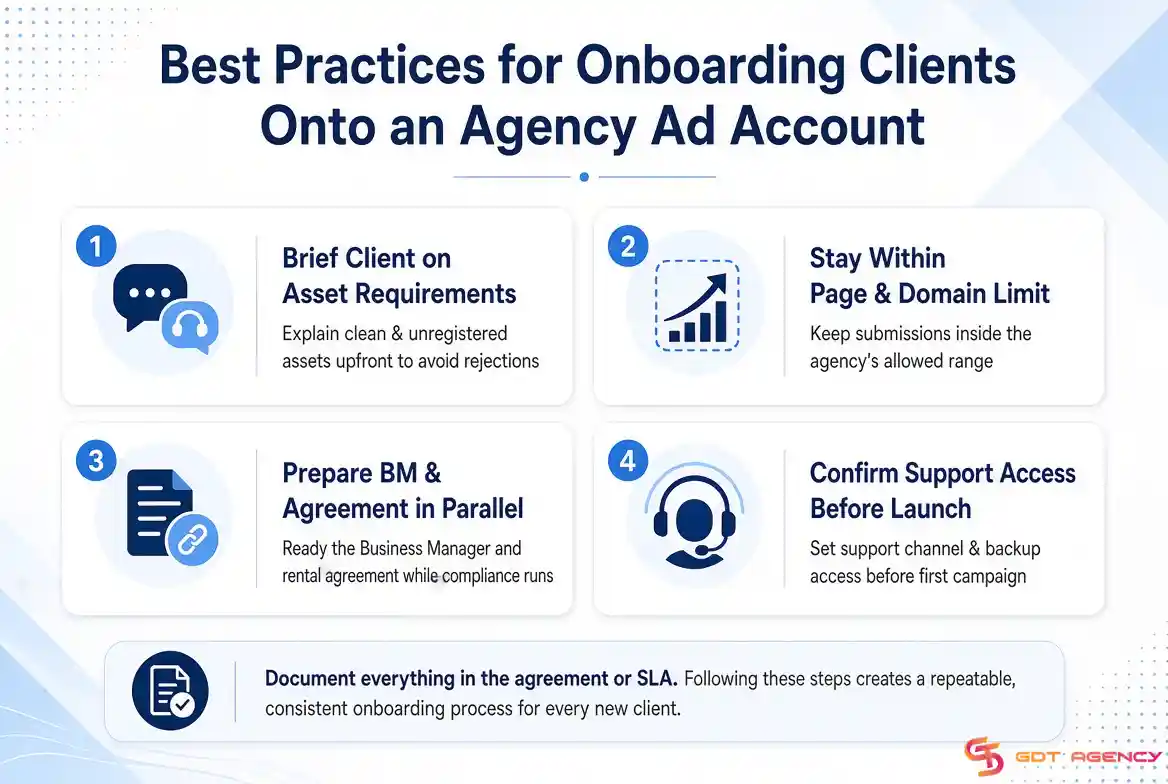
To begin with, briefing the client on requirements before they submit anything cuts down on the back-and-forth that comes from rejected or incomplete asset submissions. A client who understands upfront that assets need to be clean and unregistered submits a passable set the first time, rather than needing a second round after step one gets sent back.
- Keep submissions within the agency’s Page and domain limit, since going over this on the first pass is one of the more common reasons a submission stalls before it reaches compliance review
- Prepare the Business Manager and review the rental agreement while compliance is still in progress, so the client isn’t starting step three from zero once step two clears
- Confirm the client’s support channel and any backup access before launch, so they know how to reach support the moment they’re live rather than figuring it out after an issue comes up
- Document what was agreed in the agreement or SLA, since this becomes the reference point if a dispute over access or billing comes up later
Following these steps in order gives the agency a repeatable process across every new client, instead of a setup that shifts depending on who’s handling onboarding that week.
Can You Onboard Multiple Clients Onto the Same Agency Ad Account?
Yes, you can onboard multiple clients onto the same agency ad account, and running several clients through the same four-step process is standard practice rather than an exception.
The reason comes down to how Business Manager is structured. A single Business Manager can hold several linked ad accounts underneath it, so each client goes through steps one through four independently and lands on their own dedicated ad account, even though they’re sitting inside the same shared agency infrastructure. In addition, this is exactly what makes the four-step process repeatable at volume: the same asset-submission and compliance checklist applies whether it’s the agency’s first client or its hundredth.
That said, isolation between clients only holds if each one goes through compliance and setup on their own submitted assets. Reusing one client’s Pages or domains for another client’s submission defeats the unregistered-assets requirement and puts both accounts at risk.
How Does Client Onboarding Change When Managing Ads Across an Agency’s Full Portfolio?
Client onboarding changes from a 4-step checklist run once into a repeatable operational pipeline once an agency manages ads across its full portfolio, since the same submit-review-link-launch sequence now has to run consistently across many clients at once rather than one at a time.
At this scale, agencies typically assign a dedicated team to handle asset intake and compliance coordination rather than routing every submission through the same one or two people. Reporting on onboarding status also becomes standardized, since a portfolio-level agency needs to track exactly which clients are sitting in compliance review versus already launched, without checking each account individually. Furthermore, having backup assets ready in reserve, as described in step four, matters even more at scale, since a shared agency infrastructure serving many clients has more exposure if one account runs into an issue.
What Trust Score Risks Come With Adding a New Client to an Agency Account?
Adding a new client to an agency account carries trust score risk because Meta evaluates account behavior at the Business Manager level, so one client’s policy violations or high rejection rate during compliance review can affect every other client sharing that account.
This is exactly why the compliance and setup step exists as its own dedicated stage rather than being skipped, since an asset safety check and policy alignment review catch high-risk clients before they’re linked to shared infrastructure.
As shown in GDT Agency’s own case data, an agency account’s trust score directly affects how much daily spend Meta allows: American Van Lines had its Meta Daily Spending Limit capped at $250 per day due to a low trust score before migrating onto a GDT agency account, after which the client saw a 310% ROI and a 58% reduction in cost per lead within 90 days.
What Common Mistakes Should You Avoid When Onboarding a Client?
The most common onboarding mistakes are submitting more Pages or domains than the agency allows, submitting assets that are already registered elsewhere, and skipping ahead to link the Business Manager before compliance review has actually cleared.
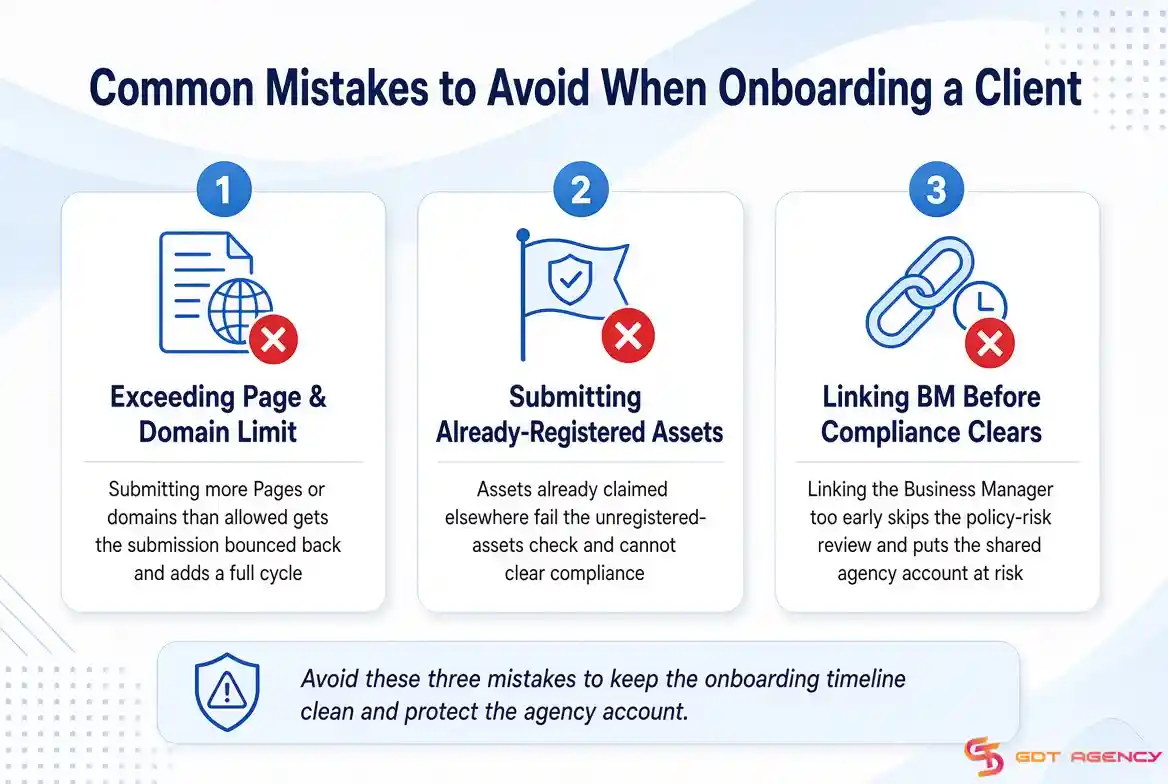
Agencies that let a client submit assets outside the agreed limit usually see that submission bounced back, adding a full cycle to the timeline. Submitting already-registered assets causes the same problem, since the compliance team can’t clear something that fails the unregistered-assets check. Finally, linking the Business Manager before compliance has formally cleared skips the one step designed to catch policy risk, which puts the shared agency account at risk rather than just the individual client.
Final Thoughts
Onboarding a client onto a Facebook agency ad account comes down to four steps: submit assets, clear compliance, link the Business Manager, and launch. The first and third steps take minutes, the second takes days, and that gap is exactly what a client needs to hear about upfront rather than discovering partway through.
Most of the friction that agencies run into doesn’t come from the process itself. It comes from a client submitting assets outside the agreed limit, submitting something already registered elsewhere, or expecting the compliance review to move as fast as the steps around it. Get those three things right, and the rest of the process runs the way it’s built to.
Frequently Asked Questions
Do I need a Verified Business Manager before I start onboarding?
Not at the start. A standard Business Manager works for step one, but by step three you’ll typically need either an upgraded or already-verified Business Manager to link and sign the rental agreement against.
Can I submit more Pages than the agency’s limit if they all belong to the same client?
No. The Page and domain cap applies per submission regardless of how many Pages belong to the same client, so a client with more Pages than the limit needs to split the submission or prioritize which Pages go through first.
What happens if my assets fail the compliance review?
The submission goes back to step one with the specific issue flagged, usually a policy alignment problem or an asset that isn’t actually unregistered, and the one-to-two-day review clock restarts once you resubmit.
Is the first top-up refundable if I decide not to launch?
That depends on the terms in the agreement signed during step three, so this is worth confirming with the agency directly before making the payment rather than assuming a default policy.
Does support start immediately after launch, or only once I’m spending at scale?
Support and any backup assets described in step four should apply from the moment the account is live, not just once spend ramps up, since they’re part of the account’s baseline setup rather than a scaling perk.